You’re in the middle of planning your wedding, have decided to create a website for your big day and are now wondering:
- What belongs on our wedding website?
- How does it become aesthetic?
- And what should we rather refrain from doing?
This is where we come in and explain the mistakes you should avoid when creating your wedding website.
Table of Contents
Are you creating a website for the first time and don’t really know what should and shouldn’t go on a wedding website? No problem, we’ll show you what you should avoid when designing.
Overloaded with Text
Less is sometimes more. This also applies to websites. Of course you want to let your guests know everything important for your big day. But you don’t have to tell them everything.
- Date and Time
- Location
- Dress code, if specified
- Gift requests, if specific items are desired
How to avoid mistakes
Tip: If you have the feeling that your information is not inviting to read through, but seems a bit too much at first glance, this blog post may be able to help you. It tells you what else you can do with your website, which elements you can incorporate and what else can save you work. When used cleverly, certain elements can entice users to read through texts much more likely.
Although some information is important, it is superfluous on a website, as this is aimed at your guests and is not intended to be a source of information for employees at your wedding. A minimalist website is also more aesthetically pleasing, so it is even more beautiful to look at.
Upload Images with a Resolution too high
If you upload images to your website in the highest resolution, you certainly mean well. However, this can lead to problems.
When integrating an image on a website, you have to pay attention to its size. So if you use the largest possible resolution “just to be on the safe side”, the website will either take a particularly long time to load or the image will be blurred because the size has been compressed.
How do you avoid this?
Make sure you crop your images to the right size. This is very easy to do in the image options of your laptop or with various image editing programs. The image size is usually specified in pixels (px).
How do you know what size is needed?
You need to distinguish between these two options:
- In the case of a large image (it extends across the entire width of the website), the image width should be between 1600-2000px and up to 500kb in size.
- For an image in the content area, 600-1200px is sufficient. The file size should be between 100-250kb.
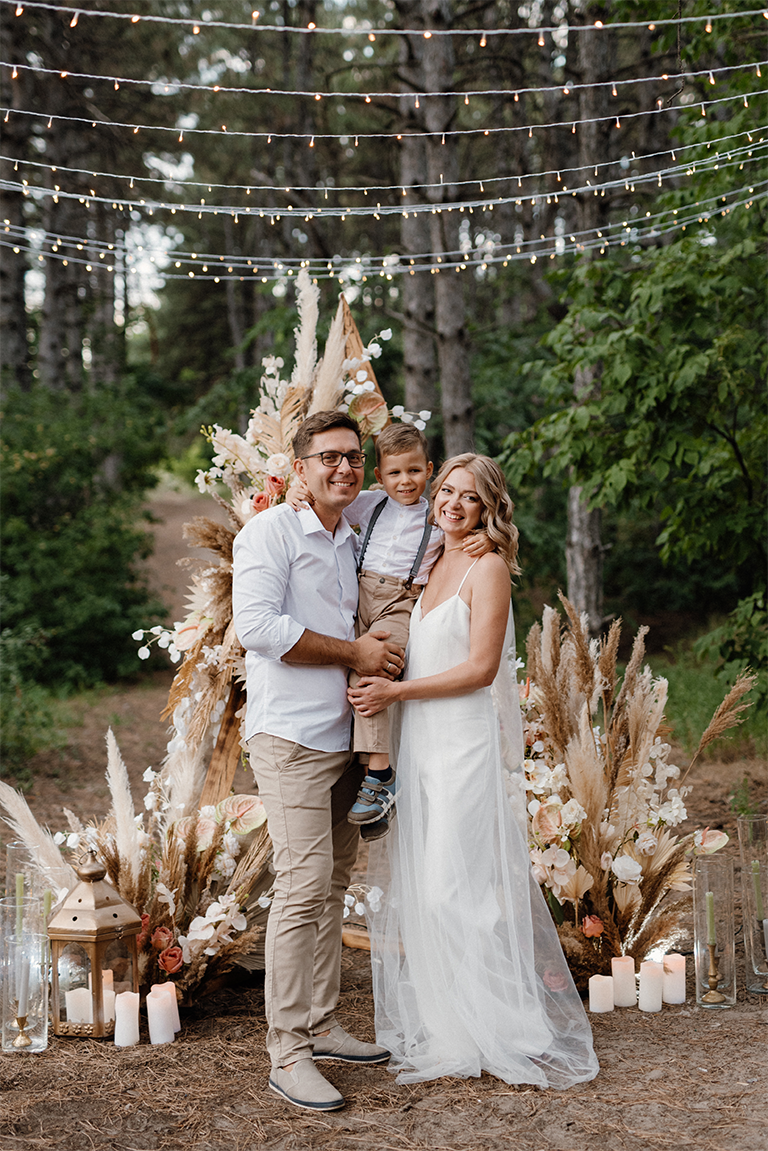
Editing images for the wedding website
Tip: If you don’t have a suitable tool to change the image size, you can find out here how you can edit your images with Photopea (free Photoshop alternative in the browser). If that’s not enough for you, you can also find a Photopea tutorial on our YouTube channel.
Lack of User-Friendliness
Have you ever visited a website where you had the feeling that the creator didn’t want you to stay long or you spent minutes combing through the page looking for what you were looking for? Then this website was not created intuitively.
That’s exactly what we want to avoid. You want to design your website so that older generations can understand what they have to do relatively easily and don’t have to browse through the entire website to get the most important information. To achieve this, imagine what you would like your guests to do when they visit your wedding website.
Reading the most important information
These questions should be answered here:
- What? – Your wedding
- Who? – Your names
- When? – Date of the wedding
- Where? – Location of the wedding
Filling out the acceptance or rejection form
By placing the RSVP tool in a prominent position, your guests will come across it particularly quickly and there is a higher chance that they will fill it out immediately. Save yourself from lengthy phone calls and inquiries about who is and isn’t coming to the wedding.
Tip: You can link directly to the RSVP form on your save the date cards, so more guests are sure to accept or cancel directly instead of waiting.
Publishing too late
Quickly finalize the website two weeks before the wedding and send it out to the guests?
You should avoid this. Especially if the wedding is a little further away from your guests’ homes, it’s important to let them know early enough. Whether it’s booking potential accommodation or choosing an outfit, it’s better to let them know early than to be late.
Don’t stress yourselves
The website does not have to be perfect when the ‘Save The Date’ message is sent out. After all, not all points will probably have been finalized by then. The great thing about the website is that you can make changes at any time.
Not realizing the Potential
Using a wedding website to provide information and to collect memories offers many possibilities.
Some useful elements can be integrated into a website in this way. The costs remain the same, so it would be a shame not to exploit the full potential of your website.
Suitable elements for creating the website
Whether it’s registering for the wedding via the RSVP tool or simply sharing the photos and videos after your big day, your website is so much more than just an invitation.
How do we determine the acceptances and cancellations of our guests?
With an RSVP tool on the website
How do we share potentially suitable accommodation near the location?
With a Google Maps element on the website
How do we share the wedding photos from the photographer?
With the photo gallery element on the website
How do we determine the allergens of our guests so that we can adapt our wedding menu?
With the help of an RSVP tool

Avoided all mistakes when creating the website?
Do you now feel a little more informed when it comes to wedding websites?
As you can see, there are quite a few things you can do wrong when creating your website. Basically, designing a wedding website turns out to be easy – so don’t give up before you’ve even started. Now you can avoid these mistakes and get one step closer to your dream day.
You may also be interested in the following article:
Manage WordPress centrally and securely0 (0)
Manage multiple installations centrally with the WordPress Manager: Install updates, install plugins, ensure security.