
 Select language

- Drag the Layout element from the Main Toolbar onto your website
- Select the desired layout composition
- Select one of the following layouts from the Right Toolbar under Layout:
- Horizontal layout:
- The element alignment is horizontal.
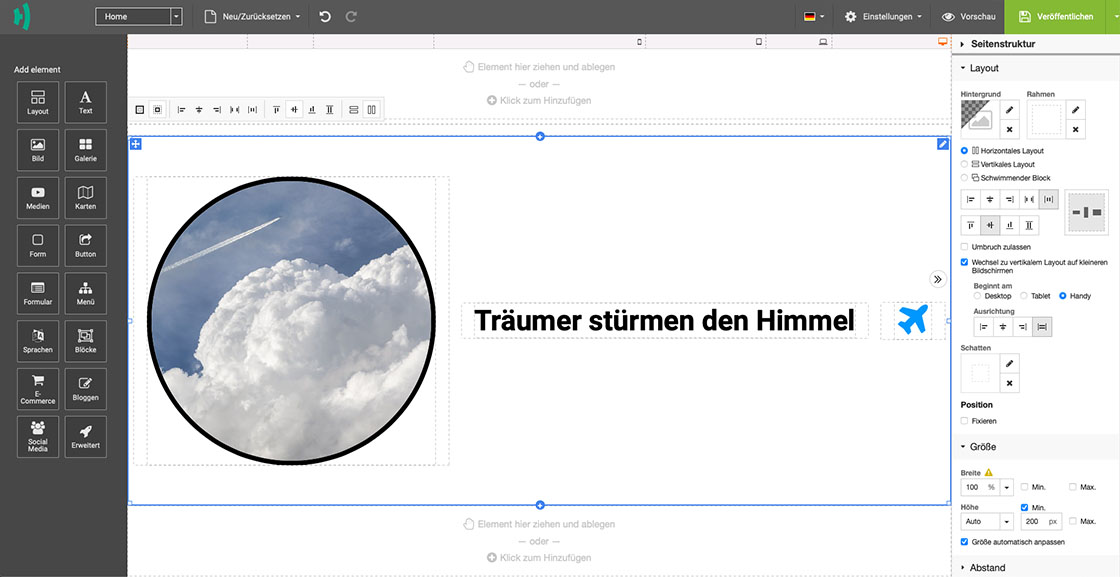
- Horizontal layout:
- Vertical layout:
- The element alignment is vertical.
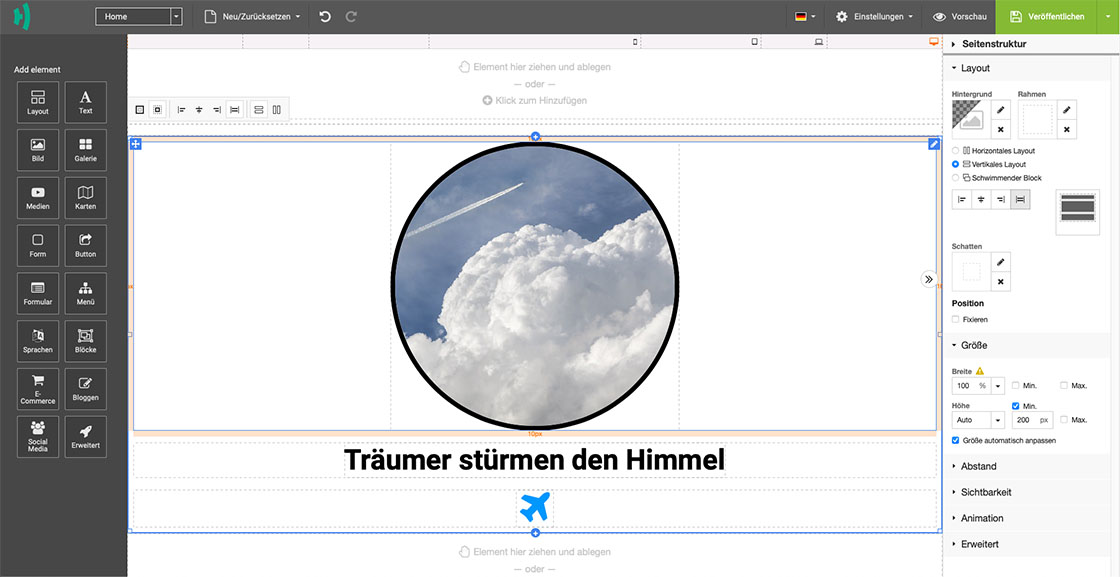
- Vertical layout:
- Floating block:
- The element alignment has no fixed structure and can be positioned freely.
Note: No additional layouts should be added to the floating block.
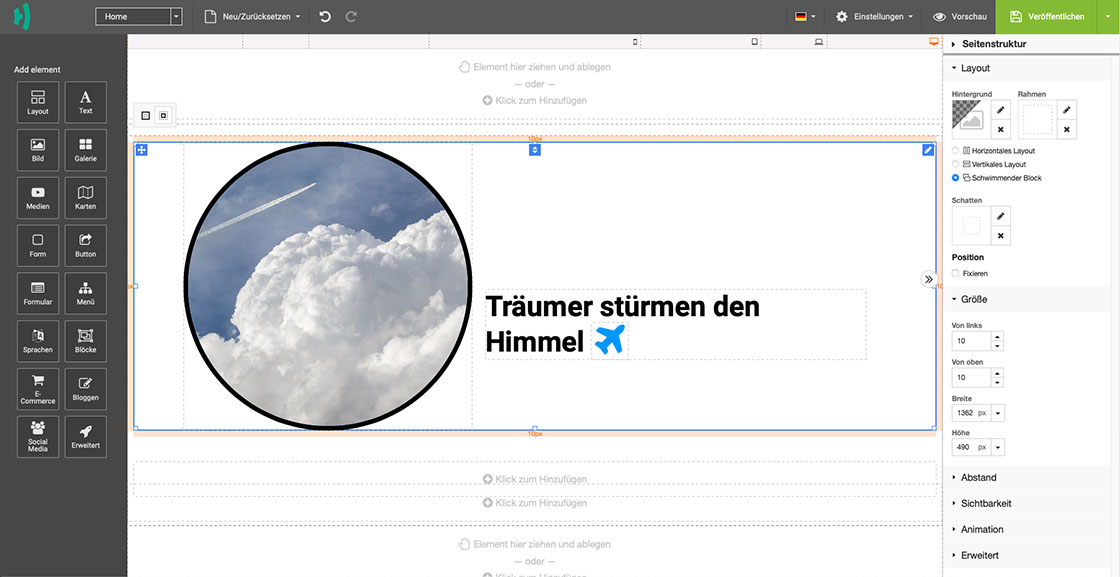
- The element alignment has no fixed structure and can be positioned freely.
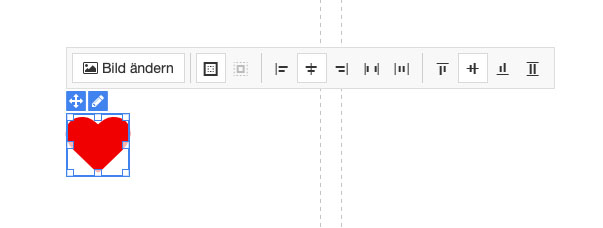
Align Element
You can determine the alignment of your element within a layout segment. If you click on an element within a layout segment (e.g. image or text), a context toolbar appears that lets you specify whether the element is centered, left-aligned, etc.
Insert Background
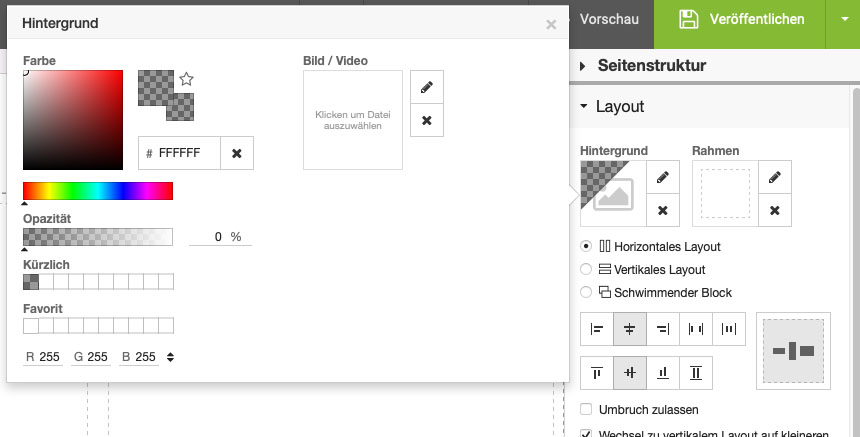
You can also add a background to a layout segment. To do so, select the a layout segment. In the Right Toolbar go for the Layout tab and then for Background. Click on the Pencil for Editing. You can add either a color, an image or a video. To add an image or video, click on the Pencil for Editing.
Adding a Border
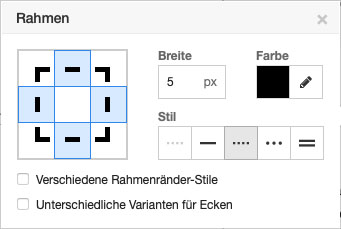
To add a border to a layout segment, select it, switch to the Right Toolbar and go for the Layout tab, then go for Border and click the Pencil for Editing
Define Size
You can define the size of the individual layout segments. Either as a percentage or down to the pixel. The Size tab can be found in the Right Toolbar.
Define Spacing
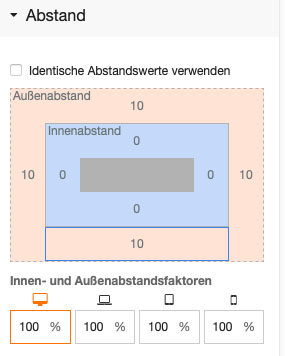
In the Right Toolbar go for the Spacing tab. Here you can define the spacing of a layout segment. Simply click on an area and enter the desired spacing in pixels.
Define Visibility
In the Right Toolbar you will find the Visibility tab. Here you can define whether a certain layout segment should be displayed on all or only specific devices.
Add animation
Here you can add an animation to a layout segment (or the entire layout element).
