
 Select language

-
Access the helloly customer center via https://my.helloly.com
-
Within the Dashboard under Your Active Products/Services, click next to the desired packagae Log in to the cPanel
-
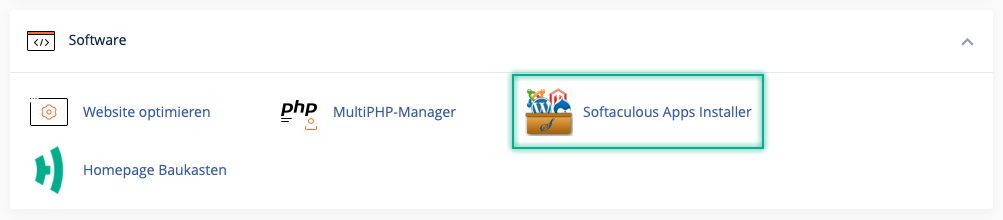
Under Software open Softaculous Apps Installer
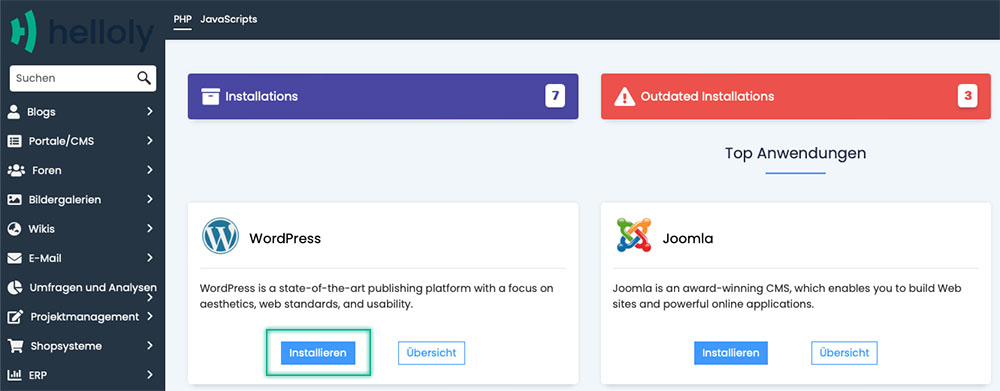
- Under Top Scripts go for WordPress and click Install
-
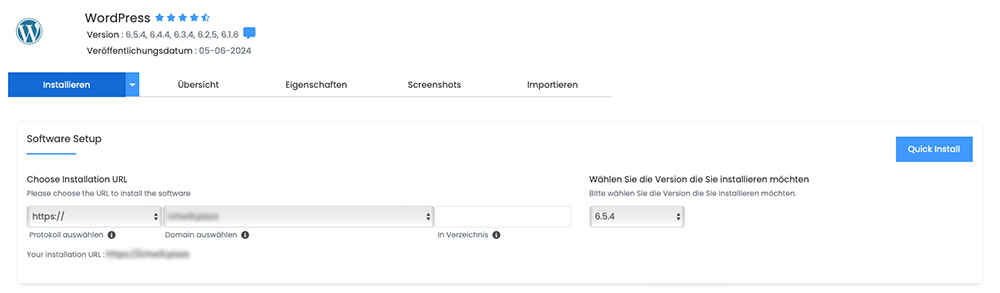
First select the Protocol and Domain for your WordPress installation. You can also create your WordPress installation in a Directory and select the version to be installed. Note: We recommend that you always install the latest WordPress version and also activate Auto Update of the WordPress installation.
-
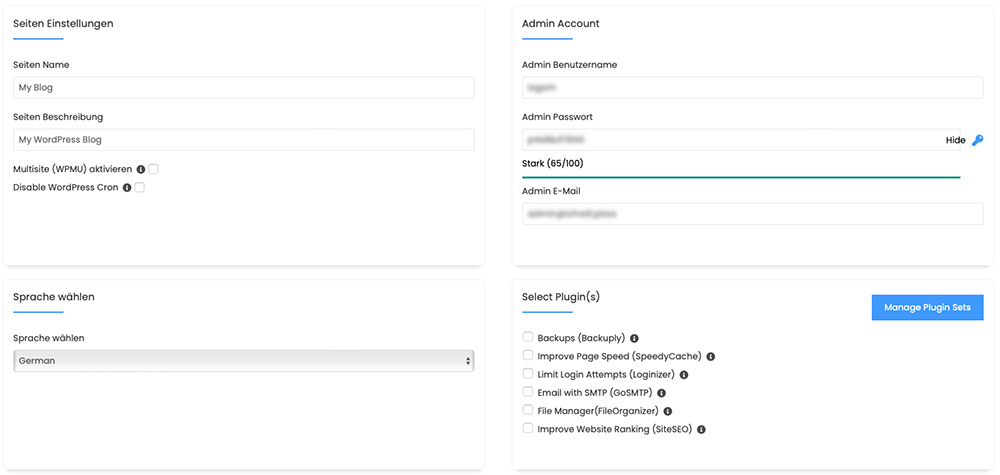
The next step allows you to ...
-
... give your site a name,
-
... create the admin user,
-
... select the language and
-
... install practical plugins at the same time
-
-
Under Advanced options you can ...
-
... determine the name of the database,
-
... deactivate update notifications,
-
... activate the automatic update of WordPress plugins
-
... activate the automatic update of your WordPress theme
-
- Finally, you can select a suitable theme and install it at the same time
-
Once you have made all the settings, click Install
-
You have successfully installed WordPress
