Select language

The easiest way to change the primary domain of your WordPress installation is by cloning your website.
Attention: Please ensure that the new domain is linked to your hosting package as an addon domain. You can learn how to assign a domain as an addon domain to a hosting package in this FAQ article.
Note: When cloning a WordPress installation, the database is also cloned, including all posts and comments!
Changing the Primary Domain of a WordPress Installation
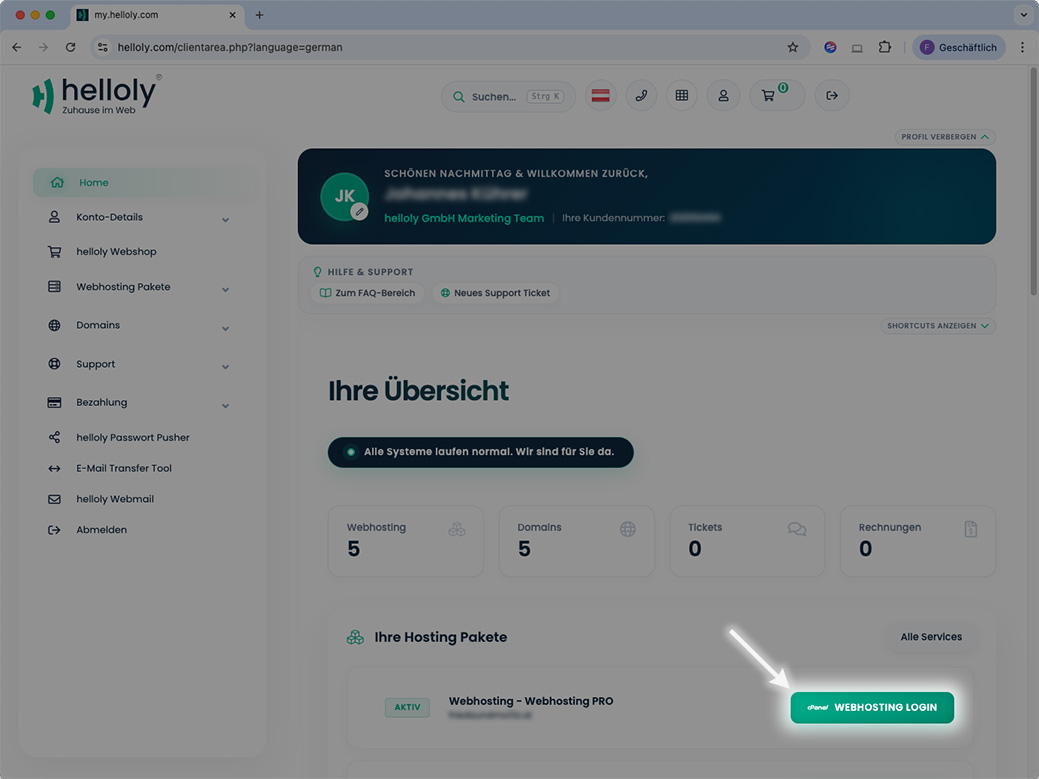
- Log in to the helloly client area via my.helloly.com
- Next to the desired Hosting Package click Webhosting Login
- Scroll to the Software section and click Softaculous Apps Installer
- Click on Overview for WordPress
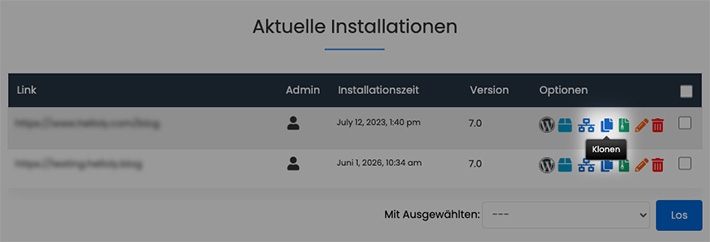
- Under Current Installations, click on Clone next to the desired installation
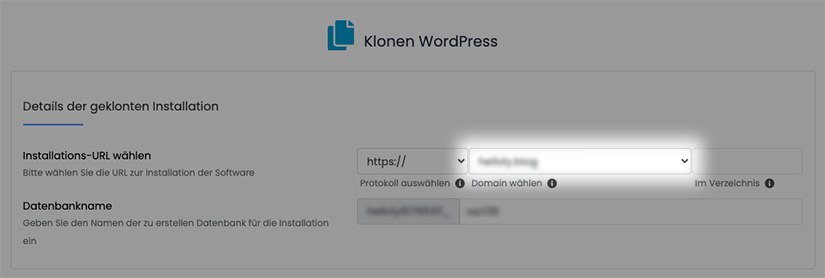
- Under Choose Installation URL, select the desired new domain
- Click Clone Installation at the bottom of the page
- Congratulations, you have successfully cloned your WordPress installation to your new domain!
Deleting the Old WordPress Installation
- To delete the old WordPress installation, return to WordPress in Softaculous
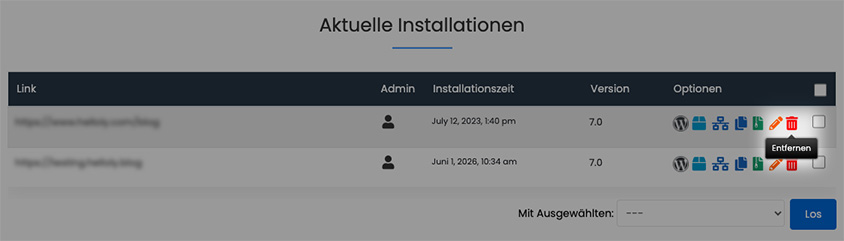
- Under Current Installations, click on Remove next to the desired installation