
 Select language

With the helloly WordPress AI tool, you can create your WordPress website in just a few minutes. The installation is remarkably easy:
- Log in to the helloly client area via my.helloly.com
- In the Dashboard under Your Active Products/Services, click on Log in to cPanel next to the desired hosting package
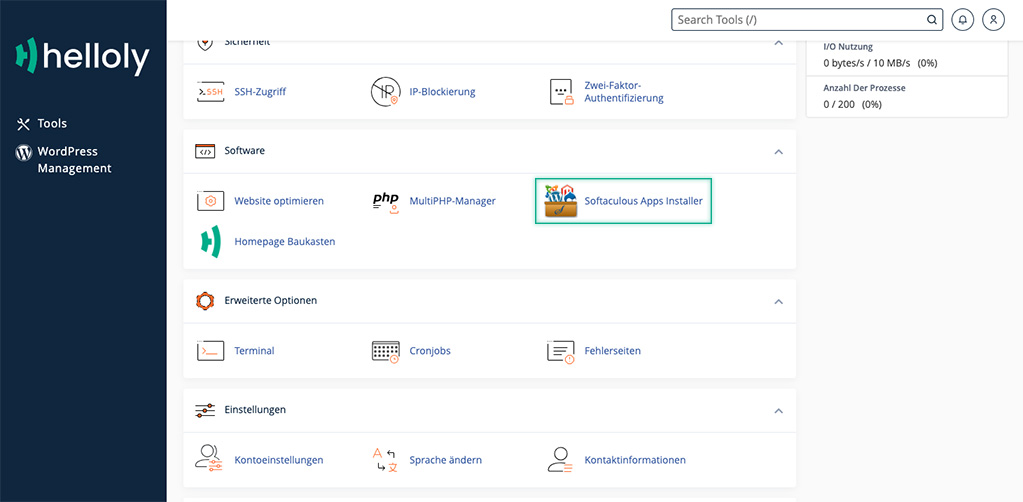
- Scroll down to the Software section and select Softaculous Apps Installer
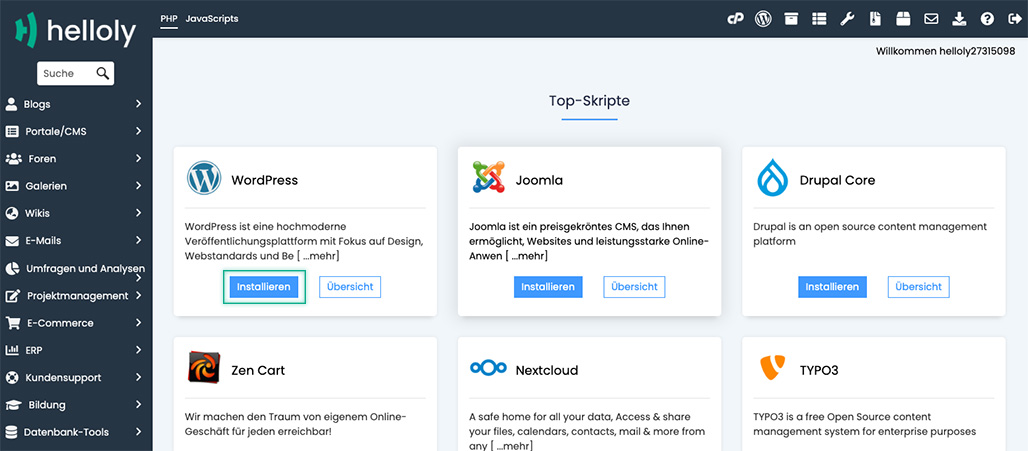
- Under Top Scripts, click on Install for WordPress
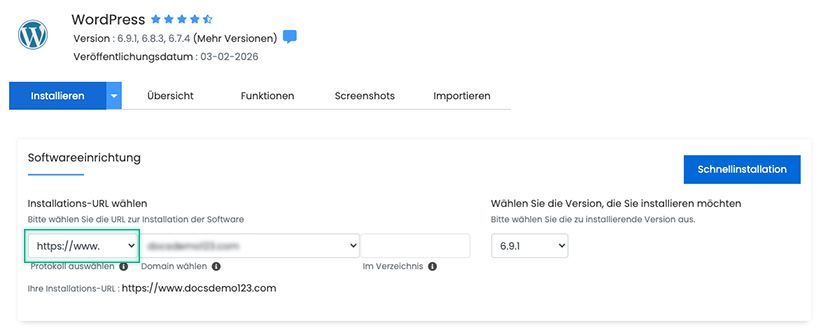
- We recommend selecting https://www. for the protocol so that your WordPress website is accessible via the well-known www. subdomain.
- Now you can assign a Site Name and a Site Description for your WordPress website. Important: Enter your valid email address under Admin Email. Note: You can also assign an Admin Username and your own Admin Password. If you access your WordPress installation via Softaculous, you do not need to enter your login credentials. To activate the helloly WordPress AI tool, check the box for helloly AI features
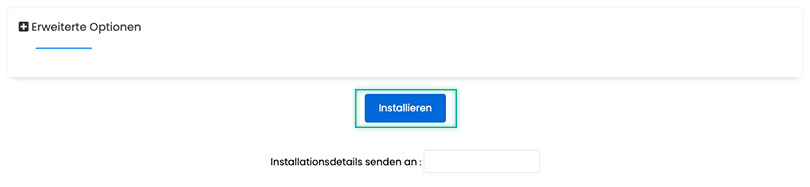
- Scroll all the way to the bottom and click on Install
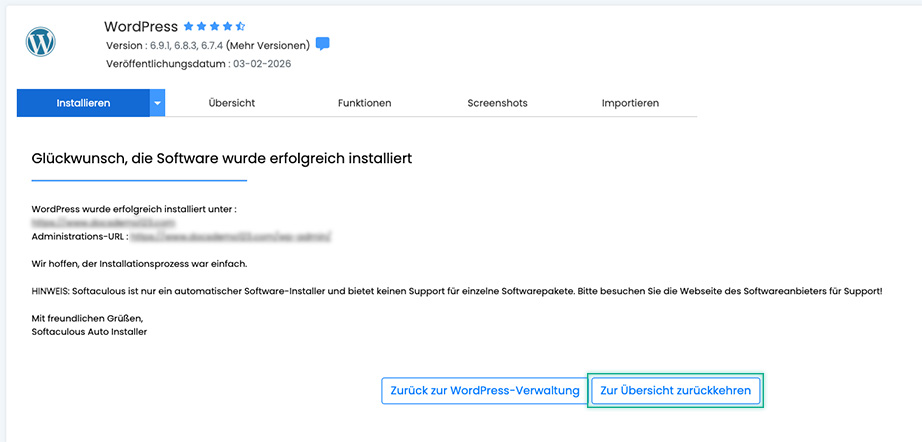
- You have now successfully installed WordPress including the WordPress AI tools. Now click on Return to Overview.
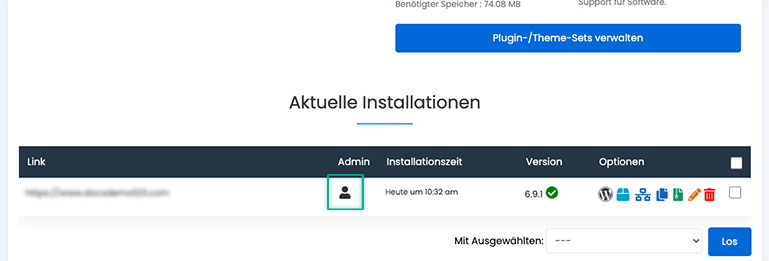
- Now click on the User Icon in the Admin column next to the WordPress installation to enter your WordPress dashboard
- The helloly AI tools will now guide you through the remaining steps. All the best with WordPress and the helloly WordPress AI tools!
