
 Select language

How to pay your first invoice
After you have completed your order, you will receive the invoice for web hosting and domains. You can easily pay this using your preferred payment method.
-
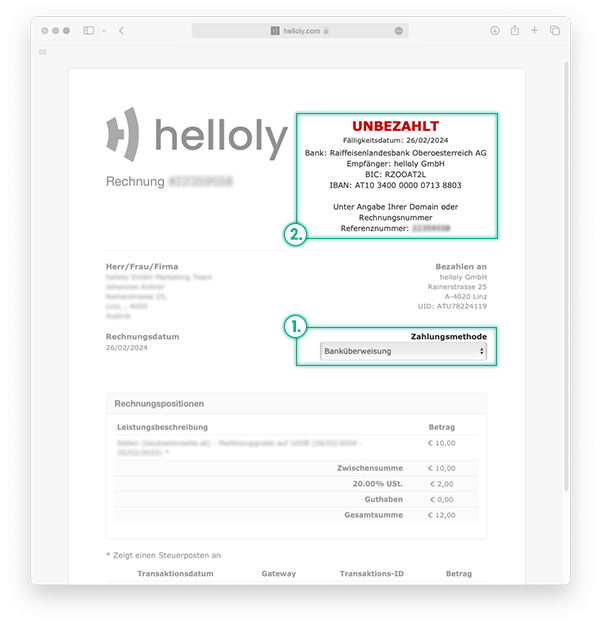
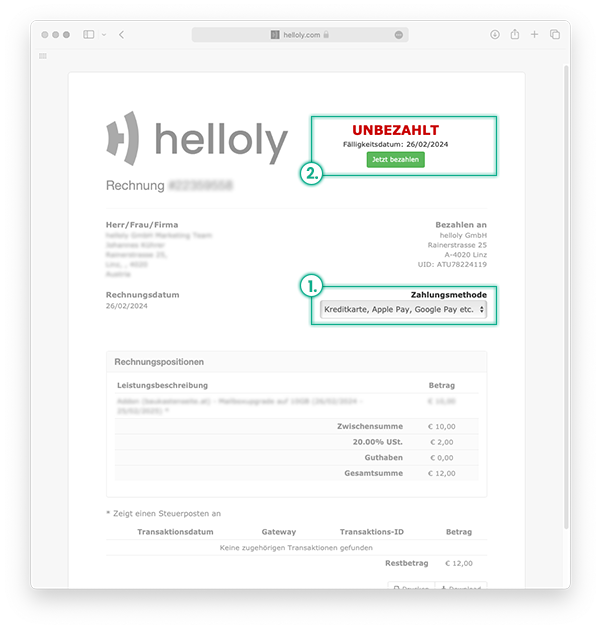
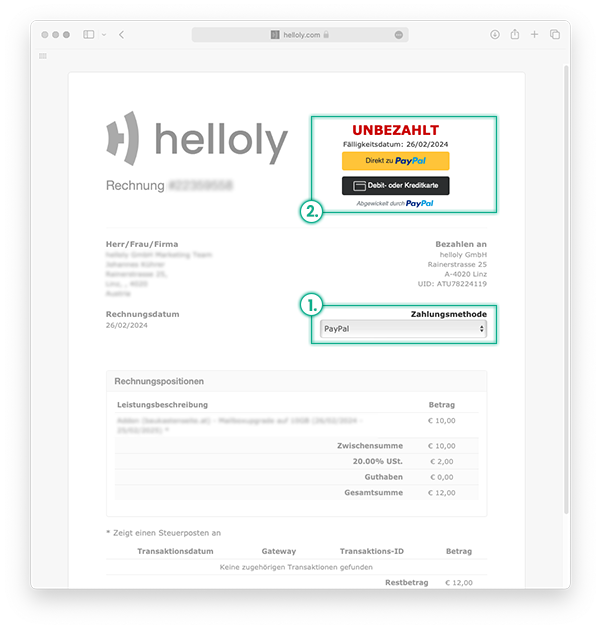
First, select your payment method
-
Depending on the selected payment method, either a button to process the payment will appear at the top, or our bank details will be displayed so you can transfer the invoice amount. Please always include the reference number when making a bank transfer.
How to pay subsequent invoices
When it is time to renew your domain and web hosting, you will receive an invoice from us via email. This email contains your invoice as a .pdf file and a link to settle the invoice.
Please note: To open the invoice link, you must be logged into the client area. To do this, go to my.helloly.com and log in with your access details.
Now you can open the invoice link and renew your web hosting packages and domains. To do this, proceed as described at the beginning.
