Select language

Send configuration details via email
You can have the configuration details for an email account sent to you via email.
-
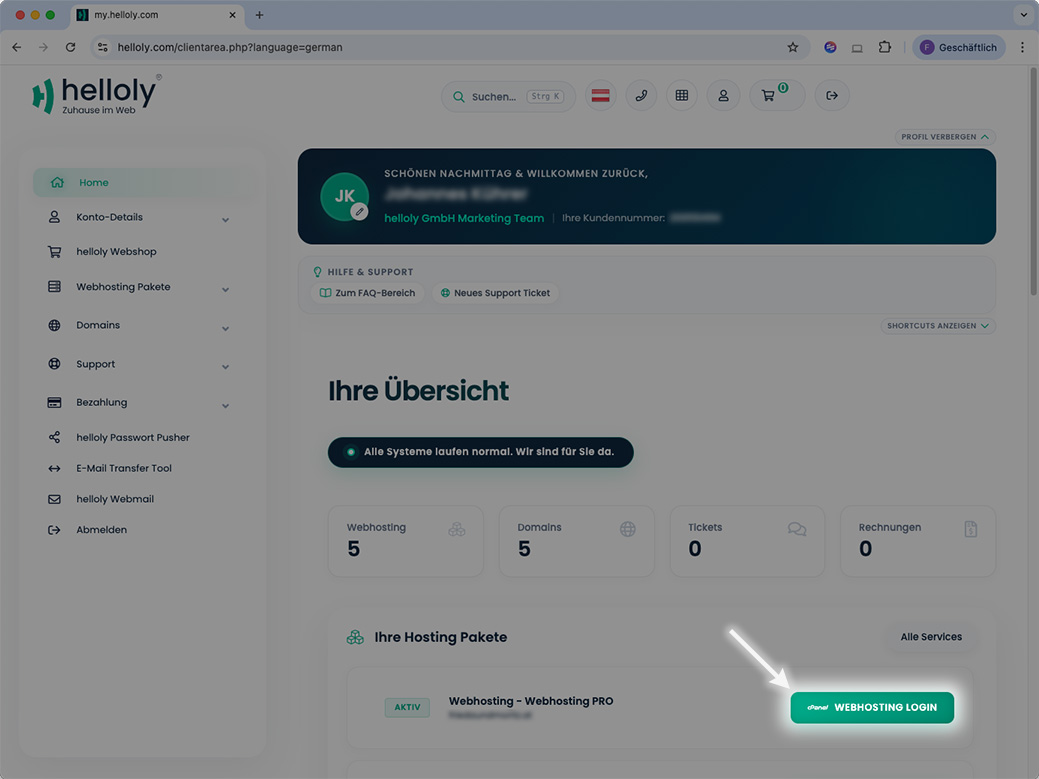
Log in to the client area via my.helloly.com.
-
Click on Webhosting Login next to the desired hosting package.
-
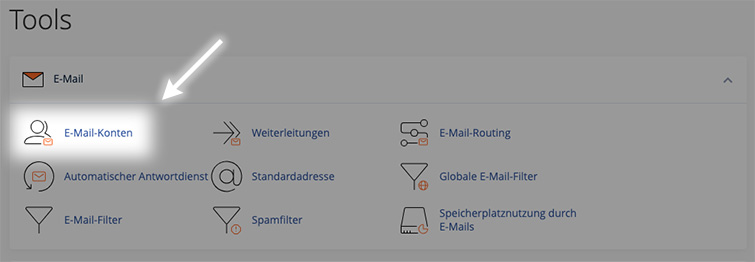
Under Email, click on Email Accounts.
-
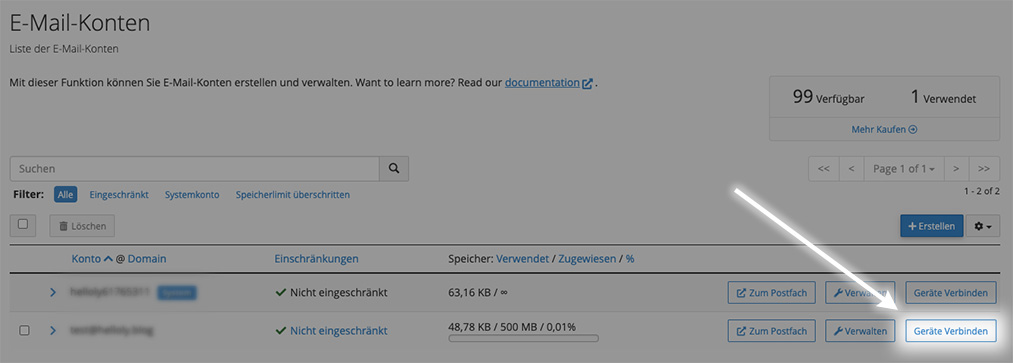
Click on Connect Devices next to the desired email address.
-
At the very bottom, you will find the function Send instructions via email.
-
Enter the email address to which the instructions should be sent, and click on Send.
Set up Mail
To set up an email address, first open the Settings app on your iPhone and then select Mail.
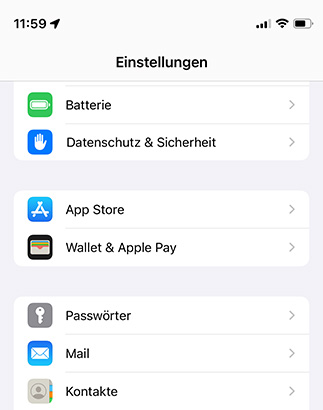
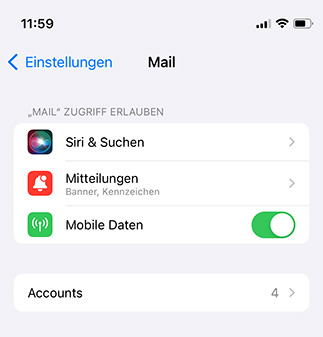
Within the Mail settings go for Accounts …
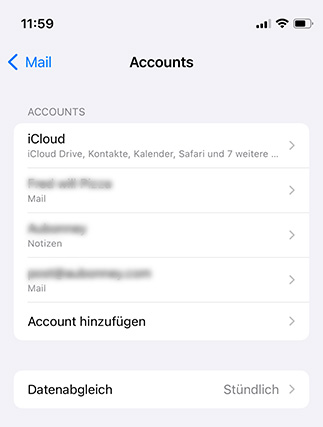
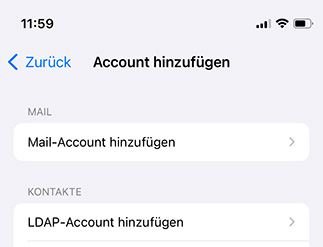
… and then select the option Add Account
In the next step, select the last option Other …
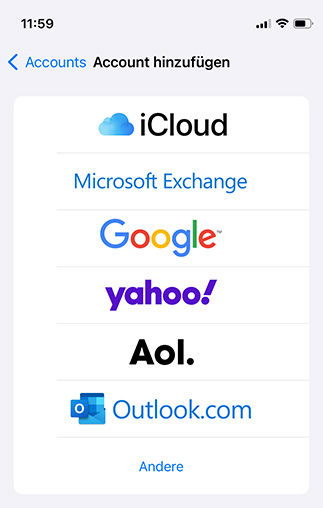
… and then Add Mail Account
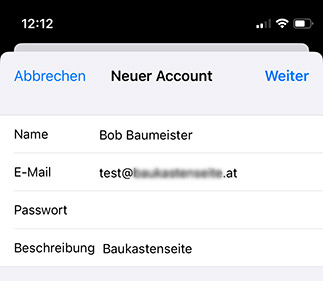
Now enter
-
Name
-
Email
-
Passwort
-
Description
and go for Next
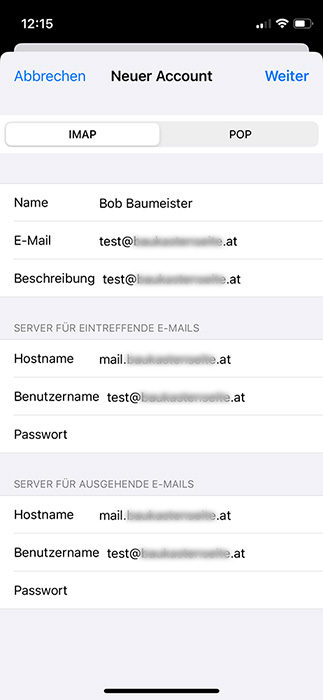
Next enter for incoming Emails and outgoing E-Mails
-
Host Name (= mailserver) – The Host Name consists of mail. and your domain without www, i.e. mail.yourdomain.tld
-
Username (= your email address)
-
Password (= your email password)
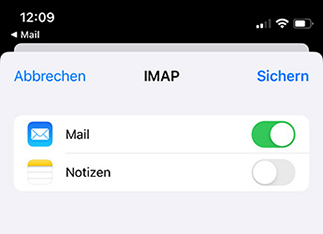
Finally decide, whether you want to load Emails, Notes or both and tap Save