Select language

Folder protection is a useful way to protect certain folders on your web server with a username and password.
You can also protect the root directory of your website – for example, to make your website accessible only to selected people while you are developing it.
- Access the helloly client area via my.helloly.com
- Within the Dashboard, under Your Active Products/Services, click Webhosting Login next to the desired hosting package
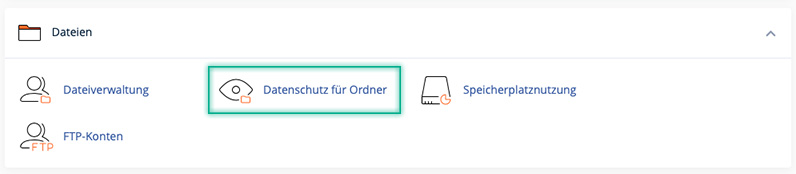
- Under Files click on Directory Privacy
-
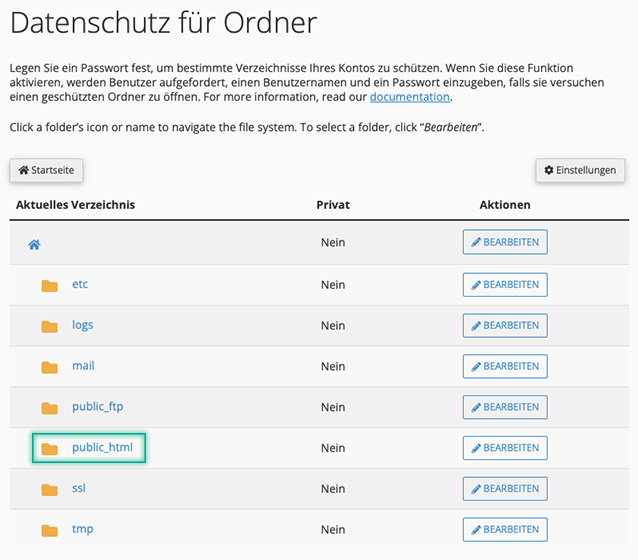
You can now navigate through the displayed folders by clicking on a folder in the Current directory column. To protect a specific folder with a username and password, click on EDIT in the row next to the desired folder.
To protect the root directory (www.yourDomain.at), click EDIT in the public_html folder line.
To protect the ‘staging’ directory (www.yourDomain.at/staging), open the public_html folder and click EDIT in the staging folder line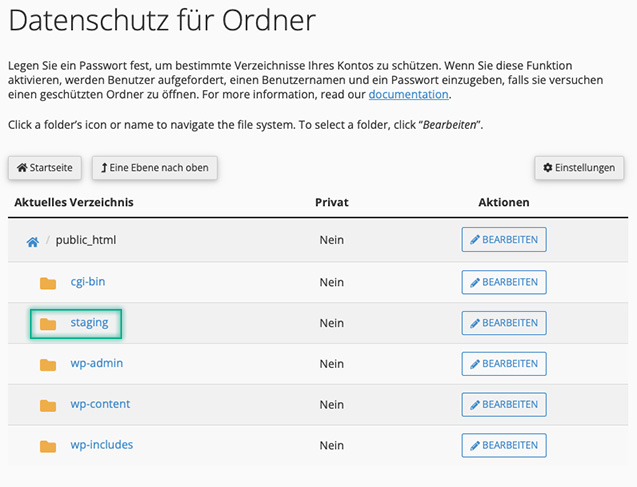
- After you have clicked on Edit for the desired directory, you will be asked to activate the directory protection. To do this, check the box next to Password protect this directory. In the line below, you can change the name of the protected directory. Note: This will not rename the directory! It is only a name for the directory protection. Confirm with Save.
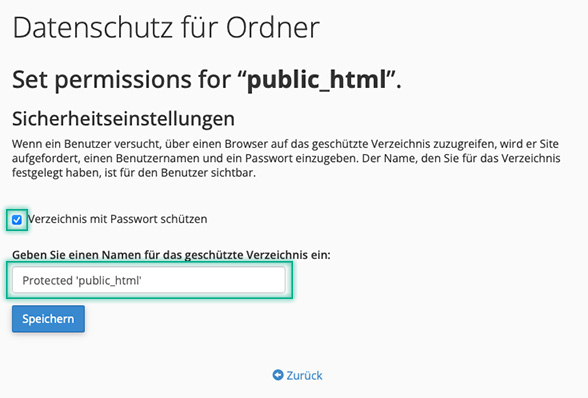
- You will now receive a notification that the directory protection has been successfully set up.
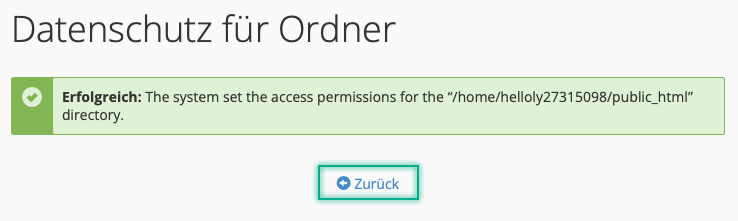
Now click on Go Back to assign a username and password. - Now enter your username and password. Tip: Use the Password Generator!
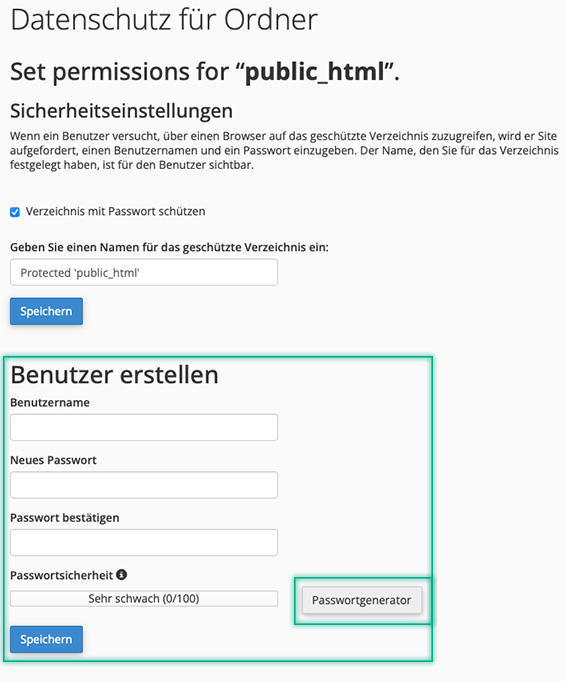
Confirm with Save -
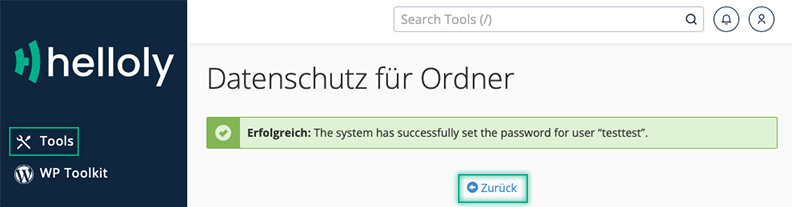
Congratulations! You have successfully set up your directory protection. Click Back to create additional users or click Tools to return to the cPanel.