Select language

The PHP error log is an important and useful tool for developers and website operators to diagnose problems. With the PHP error log, it is easier to find the causes of unexpected behavior on websites based on PHP. Most Content Management Systems (CMS), including WordPress for example, are based on PHP.
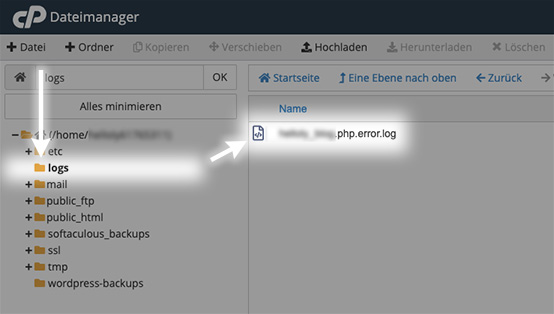
The error_log file contains the PHP error log. You can find the error_log for the main domain inside the public_html folder and for all other domains in the respective subfolder yourDomain.tld.
How to access the PHP Error Log
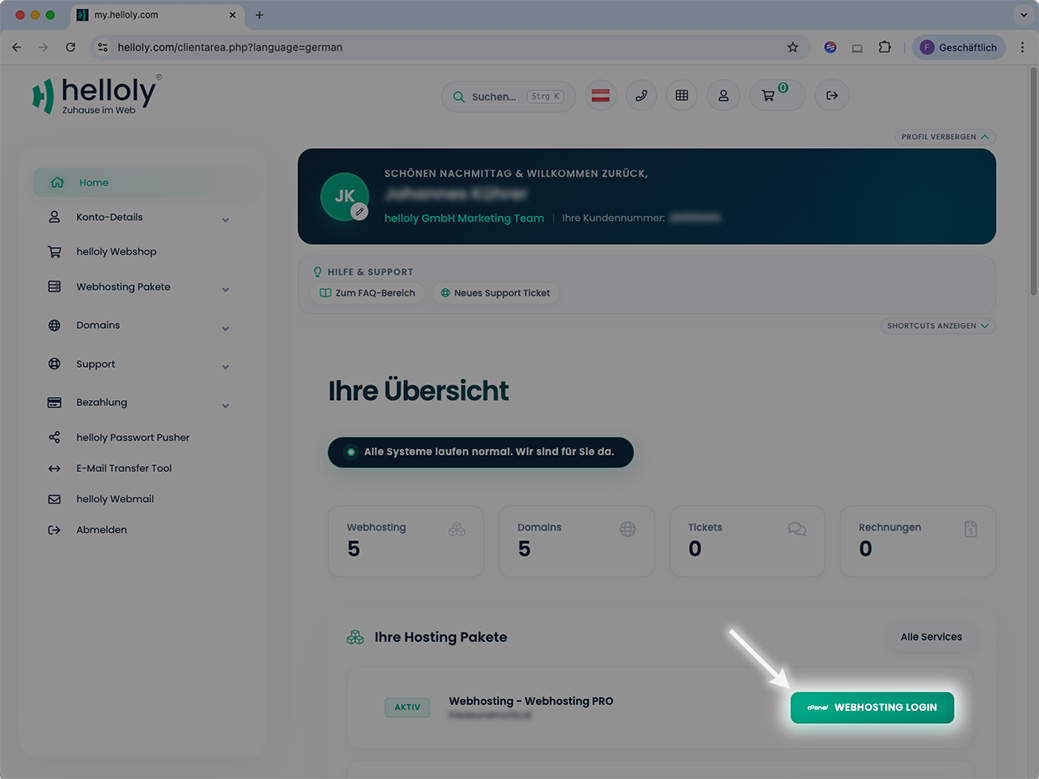
- Log in to the client area via my.helloly.com
- Next to the desired hosting package, click on Webhosting Login
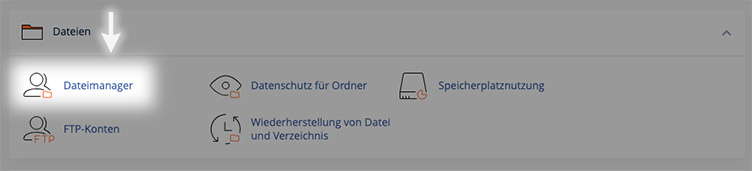
- In cPanel, select the File Manager function under Files
- You will find the PHP Error Log (yourDomain_tld.php.error.log) in the logs folder